Taiwan by Rail
A static PWA trip planner — installable to the home screen, offline-ready, magazine-styled.
The problem
Friends going on a trip together end up with their itinerary spread across half a dozen surfaces — Notes, screenshots of train times, a Google Doc, an email confirmation buried in the inbox. By day three nobody can find anything. I wanted a single home-screen icon that opened to their trip, that worked offline on the train through Taroko Gorge, and that read like a guide rather than a database.
The approach
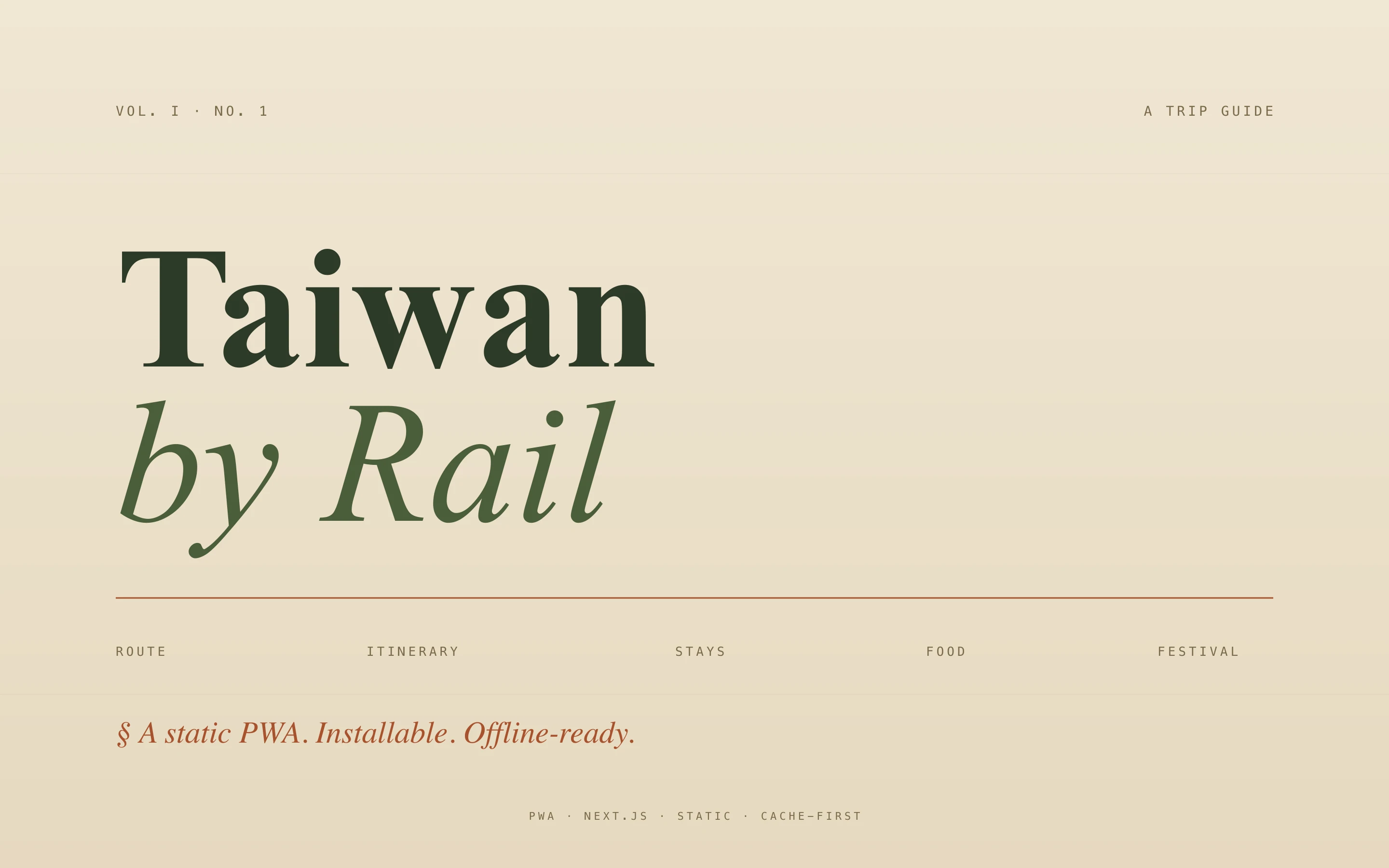
A static Next.js site with output: "export" — generates a fully static out/ directory, deployable anywhere. PWA manifest plus a service worker that caches the site and fonts cache-first, so it runs without a signal. Trip content lives in a single trip-data.ts source of truth — bookings, daily itinerary, prep checklist, budget — typed and editable in one place. Typography does the heavy lifting: Fraunces for headlines, Source Serif for body, JetBrains Mono for times and codes. Paper-moss-rust palette so it feels analog.
How it works
Phase 1 ships the static site with content baked in. Phase 2 (planned, not yet built) swaps in Notion as the source of truth via four databases — Bookings, Itinerary, Prep, Budget — which requires switching off output: "export" to SSR + ISR. The static phase is pinned to Next 14.2.35 because the remaining dependency advisories require a Next 16 jump that hits features the static export doesn’t use. Installed to home screen on both iPhones before they fly out, kept up to date by vercel --prod after edits.
Results
- Installable PWA — adds to the iPhone home screen with a proper icon, runs full-screen
- Offline-capable — service worker keeps the site usable on the east coast where 4G drops out
- Editorial feel — Fraunces headlines, monospace times, paper palette — reads like a printed guide
- Single source of truth —
trip-data.tsholds the whole trip, typed and diffable